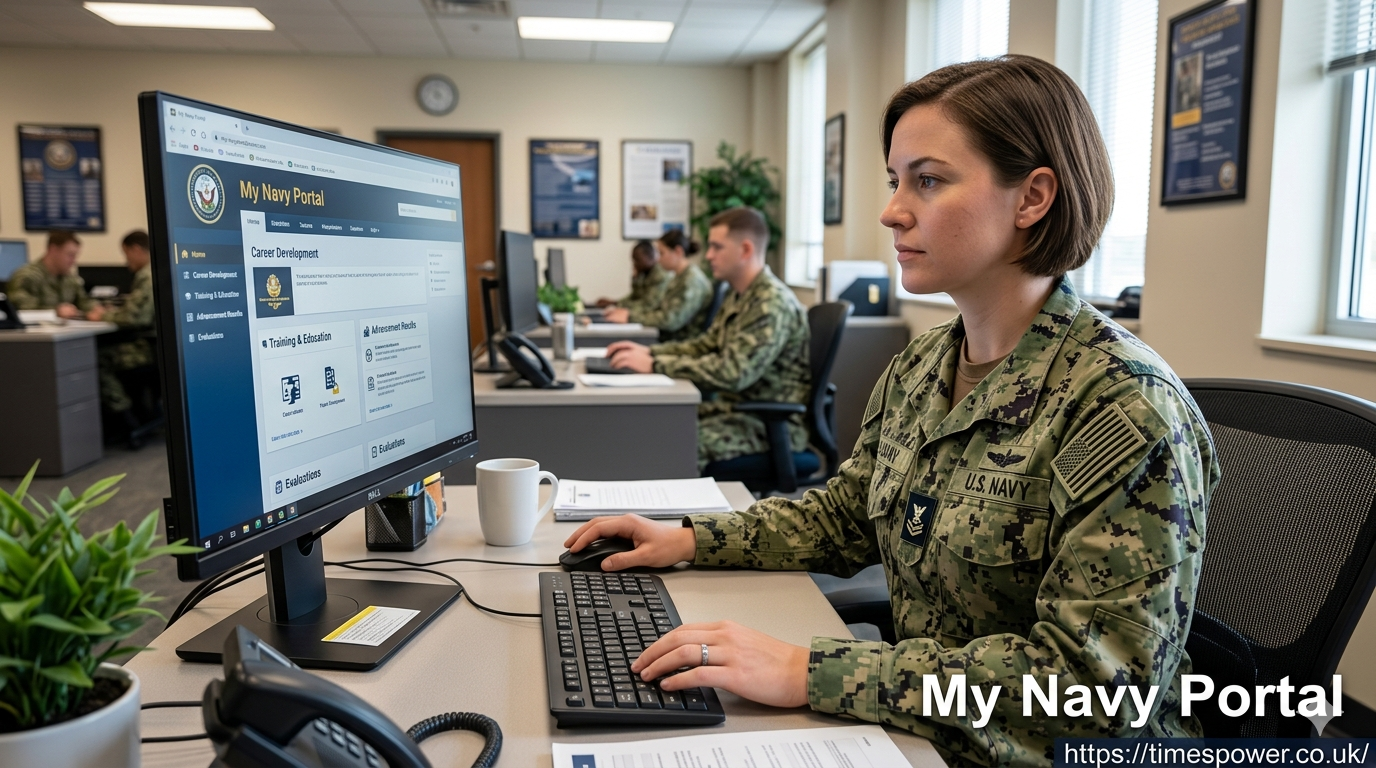
How to Use My Navy Portal for Career Growth? (2026 Guide)
Managing a naval career demands immediate access to service transcripts, transition plans, and training records. Active and reserve personnel frequently struggle with fragmented networks, losing critical time while trying to verify advancement points or update family housing documents. This operational drag delays promotion tracking and complicates household relocation coordination.
My Navy Portal resolves this administrative frustration by uniting your training jackets, electronic evaluation reports, and advancement tracking into one secure digital workspace. This guide helps you navigate the platform efficiently to take complete ownership of your military path.
What Is My Navy Portal?
The My Navy Portal platform serves as the central administrative hub for United States Navy personnel. It combines multiple legacy networks into a single gateway to streamline workforce management. Sailors use this secure cloud workspace to view their permanent military files, verify dynamic training achievements, and submit official personnel action requests without routing physical paperwork.
+------------------------------------------------------------------------+
|                          MY NAVY PORTAL HUB                            |
+------------------------------------+-----------------------------------+
|       CAREER ADMINISTRATION        |       TRAINING & READINESS        |
+------------------------------------+-----------------------------------+
| * ePAR Action Requests             | * Electronic Training Jacket (ETJ)|
| * Electronic Service Record (ESR)  | * Navy COOL Credentialing         |
| * Advancement Exam Checklists      | * PFA & Combat Fitness Calculators|
+------------------------------------+-----------------------------------+
|                        RELOCATION & LIFECYCLES                         |
+------------------------------------------------------------------------+
| * PCS MyNavy Tracker               | * Transition Assistance (TAP)     |
+------------------------------------------------------------------------+
How Do You Access the Platform Safely?
Securing entry requires clear authentication steps to protect personal data and operational records. The primary method uses a Common Access Card via a secure card reader on government or authorized personal computers.
Alternatively, the platform supports a verified username and password configuration via verified identity applications like Fastpass. This secondary method allows personnel to check critical messages, verify duty checklists, and update record files from mobile devices without a physical card reader.
Essential Quick Links Every Sailor Needs
The dashboard features an updated quick links database that acts as a shortcut directory for high-frequency tasks. Instead of browsing deep menus, users can jump directly to distinct modules using these saved paths.
- Sailor Landing Page: Your personalized overview screen detailing pending tasks, mandatory training deadlines, and system maintenance alerts.
- MyData System: A newly integrated feature combining historical service metrics with active human resource profiles.
- Electronic Training Jacket: The official ledger tracking formal military schools, qualifications, and specific warfare designations.
Tracking Promotions and Advancement Points
Earning a promotion requires precise documentation of performance metrics, award points, and exam histories. The platform provides real-time tracking via automated advancement checklists. Personnel can view their professional profile to ensure the Navy Personnel Command receives accurate operational inputs before selection boards convene.
| Feature Tool | Main Purpose | Core Benefit for Sailors |
| Advancement Checklist | Tracks time-in-rate and award calculations | Prevents missing points prior to exams |
| Electronic Service Record | Archives official evaluation reports | Verifies performance history accuracy |
| Detailing Countdown | Monitors current assignment cycles | Prepares personnel for negotiation windows |
Managing Permanent Change of Station Moves
Relocating to a new duty station introduces massive logistical friction for service members and families. The platform simplifies this transition through the integrated PCS MyNavy Tracker. Sailors monitor their orders, review specific command sponsorship approvals, and track household goods shipments directly through this module.
The application syncs directly with the automated MyNavy Career Center database to flag missing operational or overseas medical screenings early. This preventative tracking ensures your family secures dependent entry clearance before your commercial travel date arrives.
Monitoring Physical Fitness and Readiness Metrics
Operational readiness depends heavily on meeting strict physical fitness standards. The platform includes a dedicated portal for the Physical Readiness Information Management System alongside specialized performance calculators.
Personnel log their health risk assessments and check fitness scores using the newly updated Combat Fitness Test tools. Commanders rely on these digital metrics to verify unit deployment status and authorize specialized duty assignment compensation.
Using the Electronic Personnel Action Request Tool
When a Sailor needs to submit an official request for specialized schools, duty extensions, or administrative corrections, they use the electronic Personnel Action Request system. This digital application routes paperwork directly to your command career counselor and your specific detailer. The digital tracking system removes administrative delays, providing clear visibility as your request moves through the chain of command.
Securing Technical Support and System Assistance
System outages or account lockouts can disrupt your career planning timelines. The platform offers direct communication channels to the MyNavy Career Center via toll-free phone services and integrated secure chat systems. Technicians resolve access conflicts, update faulty credentials, and assist users with submitting page feedback to improve the overall web interface.
Frequently Asked Questions
Can I access My Navy Portal without a Common Access Card?
Yes, you can configure card-free mobile access by setting up an authorized user profile through verified mobile configurations like Fastpass.
Where do I view my official advancement exam scores?
You can find your profile sheets and exam calculations under the Career and Life Events tab inside the advancement checklist area.
How do I correct an error in my Electronic Training Jacket?
Submit a request using the electronic Personnel Action Request tool along with supporting course certificates to your command training officer.
What should I do if the PCS MyNavy Tracker shows a screening delay?
Contact your local Suitability Screening Coordinator immediately to verify that your medical packages and command sponsorships are fully processed.
Where can I calculate my physical readiness scores?
Use the integrated fitness calculators found in the physical readiness module to verify your point categories before your official testing cycle begins.
How often does the platform undergo scheduled maintenance?
System administrators perform routine updates bi-weekly, typically posting specific downtime notices on the main login screen several days in advance.
Conclusion
Your military milestones rely heavily on maintaining accurate administrative records. Do not wait for a promotion board or an upcoming deployment to check your files. Log into My Navy Portal right now, review your Electronic Training Jacket for missing achievements, and verify that your personal contact info matches current command records. If you spot any discrepancies, contact your command career counselor immediately to submit a formal correction request.